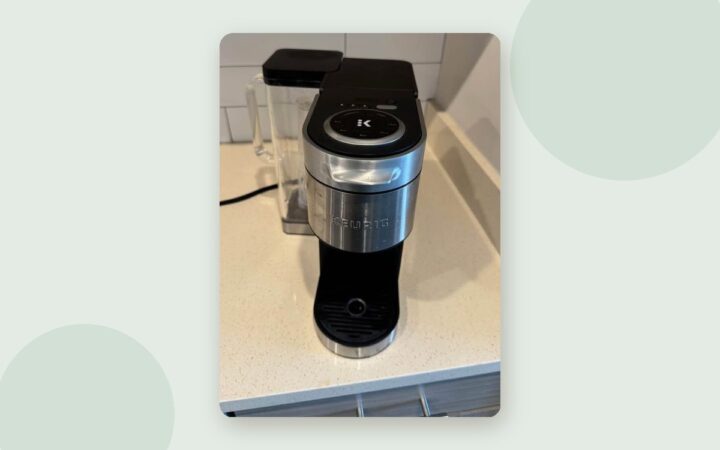
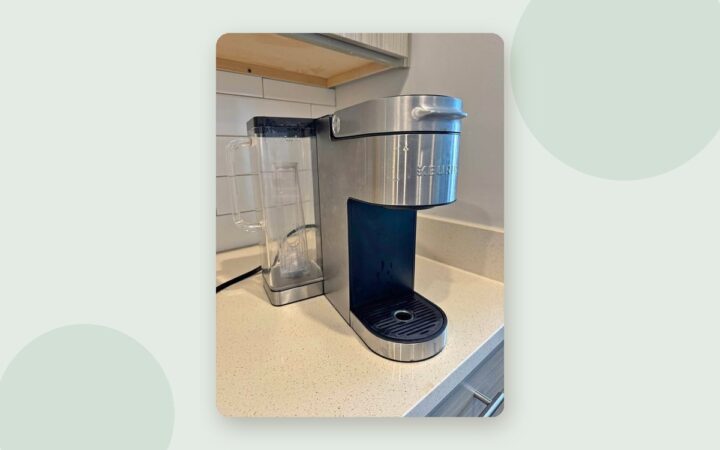
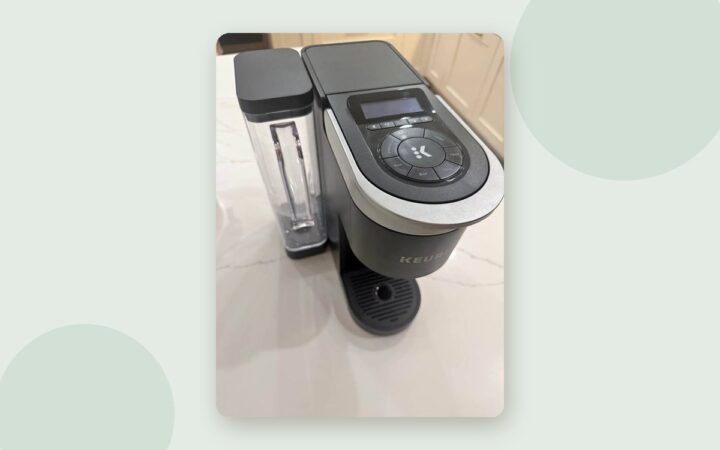
How to Reset a Keurig (Power Reset + Model Purge Shortcuts)
Most Keurigs have no reset button. Here's the power reset that works on every model, the purge shortcuts for the K-Slim, K-Supreme and K-Mini, and when a reset won't help.

Most Keurigs don’t have a “reset” button. When people say they reset their brewer, they mean one of two things: a power reset that clears a confused control board, or a purge that pushes water through a sluggish system. Here’s how to do both, which models have their own shortcuts, and when a reset won’t help at all.
When a reset helps (and when it doesn’t)
| Symptom | Will a reset help? |
|---|---|
| Buttons unresponsive, lights stuck or blinking oddly | Often. Start with the power reset |
| Brew stopped halfway, or you moved the reservoir mid-brew | Usually. Power reset, then a water-only brew |
| Short cups on a K-Slim, K-Supreme or K-Mini | Yes. Use the model’s purge |
| “Prime” or no water | Sometimes. See the Prime guide first |
| Descale light won’t clear | Rarely on its own. See descaling |
| Completely dead, no lights at all | No. Check the outlet, then contact Keurig (see below) |
The power reset (every model)
- Turn the brewer off with its power button, then unplug it.
- Remove the reservoir. Lift it straight up and off.
- Wait. A few minutes is often enough to clear a glitch, but Keurig’s own troubleshooting uses at least 30 minutes unplugged, which also lets an overheated brewer cool fully.
- Plug in and power on with the reservoir still off. Many owners find it helps to let the brewer notice the reservoir is missing (the Add Water indicator comes on) before putting it back.
- Seat a full reservoir firmly, and wait for the Add Water light to go out.
- Open and close the handle, then run a water-only brew (no pod) before your next coffee.
Model shortcuts: the purge
Some current Keurigs have an official button combination that forces water through the system. It’s the closest thing to a built-in “reset” for weak or partial cups.
- K-Slim, K-Supreme, K-Supreme Plus: with the brewer off and water in the reservoir, press and hold Brew + 12 oz together for about 5 seconds until water starts to flow. Let go, let it finish, and discard the water.
- K-Mini: press Power, then hold Brew for 5 seconds until all the water has dispensed. Discard it and power back on.
Put a large mug under the spout first. The purge dispenses real hot water.
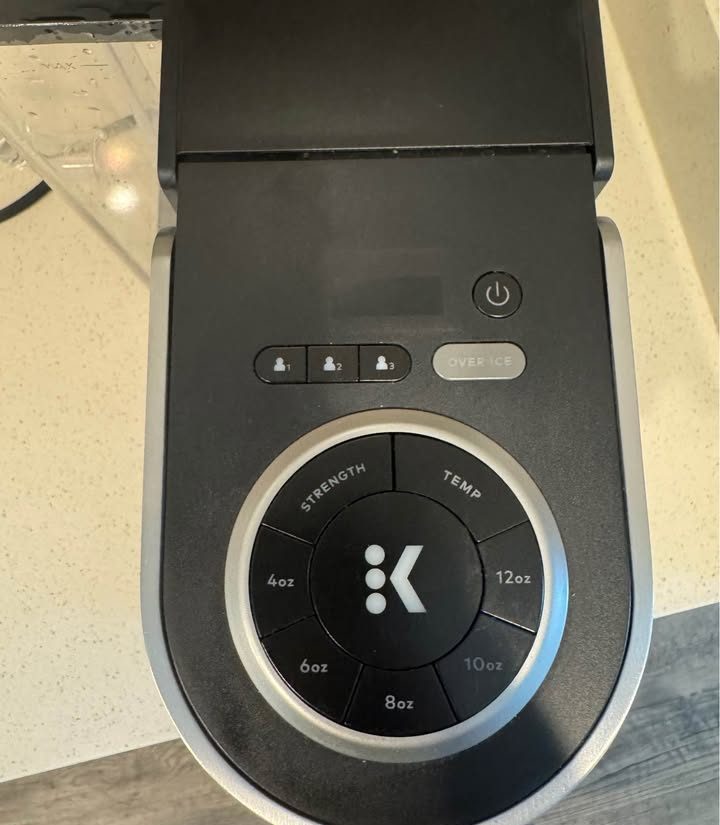
Smart models (K-Supreme Plus SMART, K-Café SMART and others) also have settings and a restore option in the Keurig app. Check the app or your manual before trying button combinations on those.
After the reset: prevent the next one
- Never lift the reservoir while it’s brewing. Keurig warns about this in its manuals, and owners report brews stopping halfway, and worse, after bumping or lifting the tank mid-cycle.
- Take the pod out after each brew, so grounds don’t dry into the needles.
- Run a water-only brew weekly, and descale every 3 months.
- Skip distilled water. Keurig recommends bottled or filtered water instead.
If it’s completely dead
A reset can’t fix a brewer with no power at all. Check the outlet with another appliance first. If the outlet is fine, the likely culprit on newer fast-heating models is an internal overheat cutoff. It can trip if the brewer runs without water, for example a brand-new brewer that was never primed. Resetting it means opening the case, which Keurig considers “not user serviceable,” so call Keurig at 1-866-901-BREW (2739), especially if the brewer is within its one-year warranty.
Frequently asked questions
Is there a reset button on a Keurig?
Most Keurig brewers don’t have a dedicated reset button. A reset means turning the brewer off, unplugging it, removing the reservoir and waiting, then powering back on. Some models also have a purge button combination.
How long should I unplug my Keurig to reset it?
A few minutes can clear a simple glitch, but Keurig’s own troubleshooting uses at least 30 minutes unplugged, which also lets an overheated brewer cool down.
How do I reset a Keurig K-Supreme?
Do a power reset (off, unplug, reservoir off, wait), and if you’re getting short cups, use the purge: with the brewer off, hold Brew and 12 oz together for about 5 seconds until water flows.
Why did my Keurig stop working after I moved the reservoir?
Lifting or bumping the reservoir mid-brew can interrupt the cycle. Reseat it firmly, do a power reset, and run a water-only brew. Keurig warns against removing the reservoir while brewing.